Plan trips that taste like la dolce vita.
Drop your deep research PDF. VineVoyage turns it into bon voyage — a sun-soaked day-by-day itinerary with calendar invites, shared planning, packing lists, budgets, and a docs vault.
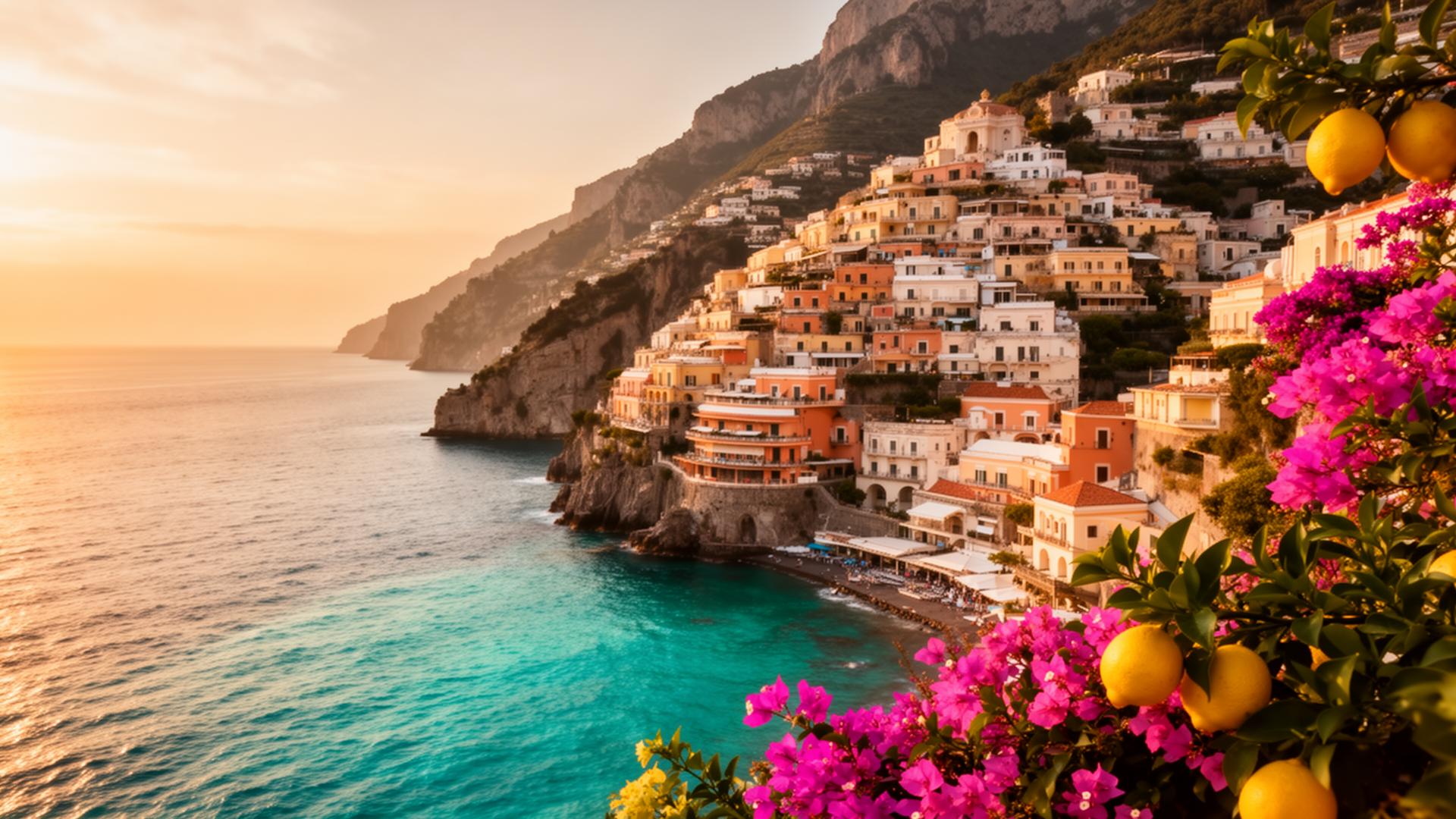
From a PDF to Positano.
This is the feeling we plan around — every espresso, vespa ride, and vineyard sunset, choreographed.
Voice it out
Tell our AI the who, where, when and what kind of trip you want. It asks smart follow-ups until it really gets it.
Pick from the menu
AI hands you a travel menu — top 3 stays, eats, and things to do. Each card has YouTube clips, TikTok, Instagram, and Google reviews. Tap to slot into your itinerary.
Live the trip together
Text or email the link, chat in the group thread, sync to your calendar, get alerts, pack smart, and split spend.
Everything bad about travel planning, fixed.
Drop your research
Upload a Claude Deep Research PDF and we structure every flight, hotel, meal, and experience into a day-by-day plan.
One-tap calendar
Send the whole trip — or any single dinner reservation — to Google, Apple, or Outlook with a single tap.
Travel as a group
Invite friends, collect RSVPs, vote on activities, split expenses, and comment on every plan.
Maps, weather & timezone
Every activity opens in your maps app. We auto-detect timezones and warn about conflicts.
Smart packing
AI-suggested packing list tuned to destination, season, and activity type. Check off as you go.
Live budget
Track planned vs actual spend, in any currency, with shared expense splitting between travelers.
Travel docs vault
Passports, visas, confirmations, insurance — all in one place, with expiry warnings.
Public share link
A beautiful, read-only view of your trip you can text to anyone — no account required.
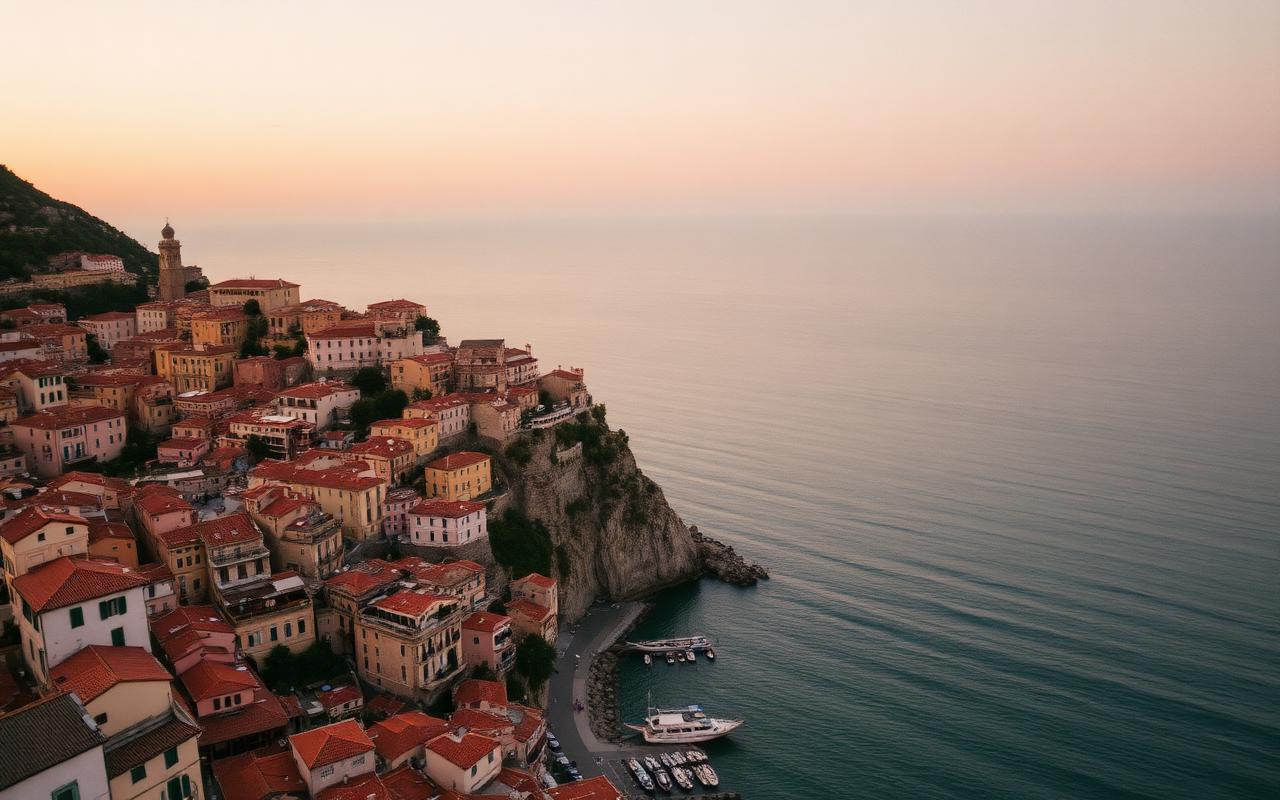


Your Italy plan, in one place.
Modeled on a real two-week Italy trip — from Rome to the Amalfi Coast. Every module below is generated from your research PDF.
To-Do List
Visas, vaccines, SIM card, ZTL passes — every pre-trip task in one place.
Packing List
Linen for Rome's heat, layers for the Lakes, swim for Positano.
Train Guide
Frecciarossa vs Italo, seat tips, luggage rules, Rome → Florence → Venice routes.
Shopping Wishlist
Florence leather, Murano glass, Amalfi ceramics — saved with shop addresses.
Lodging Tracker
Check-in, check-out, total cost, cost per person, confirmation numbers.
TV & Film Research
Watch *Stanley Tucci: Searching for Italy* and *Call Me by Your Name* before you go.
Regional Things-to-Do
Curated lists for Rome, Tuscany, Northern Lakes, Venice, and the Amalfi Coast.
Detailed Daily Schedule
Place, people, activity, notes, tags, confirmation — one row per moment.
Region by region.
Curated picks for every leg of your Italian journey.
Vatican, Trastevere, cacio e pepe at midnight
Uffizi, Chianti vineyards, leather markets
Como, Bellagio, ferry-hop to Varenna
Cicchetti crawls, Burano color, dawn on the lagoon
Positano cliffs, Capri grotto, lemon groves

Add VineVoyage to your home screen
One tap to launch — no app store, no download. Bon voyage, always in your pocket.
iPhone & iPad (Safari)
Works on iPhone SE, 12, 13, 14, 15, 16 Pro, iPad Mini, iPad Pro.
- 1
Open vineandvoyage.ai in Safari, then tap the Share button (square with an up-arrow) at the bottom of the screen.
- 2
Scroll the share sheet and tap "Add to Home Screen".
- 3
Confirm the name "VineVoyage" and tap Add. The cellar-dark icon will land on your home screen.
On iPad in Safari, the Share button is at the top right. Chrome on iPhone can't install web apps — you must use Safari.